
 도면 보기
도면 보기두 장의 이미지를 하나로 합쳐 창의적인 융합을 만들어보세요
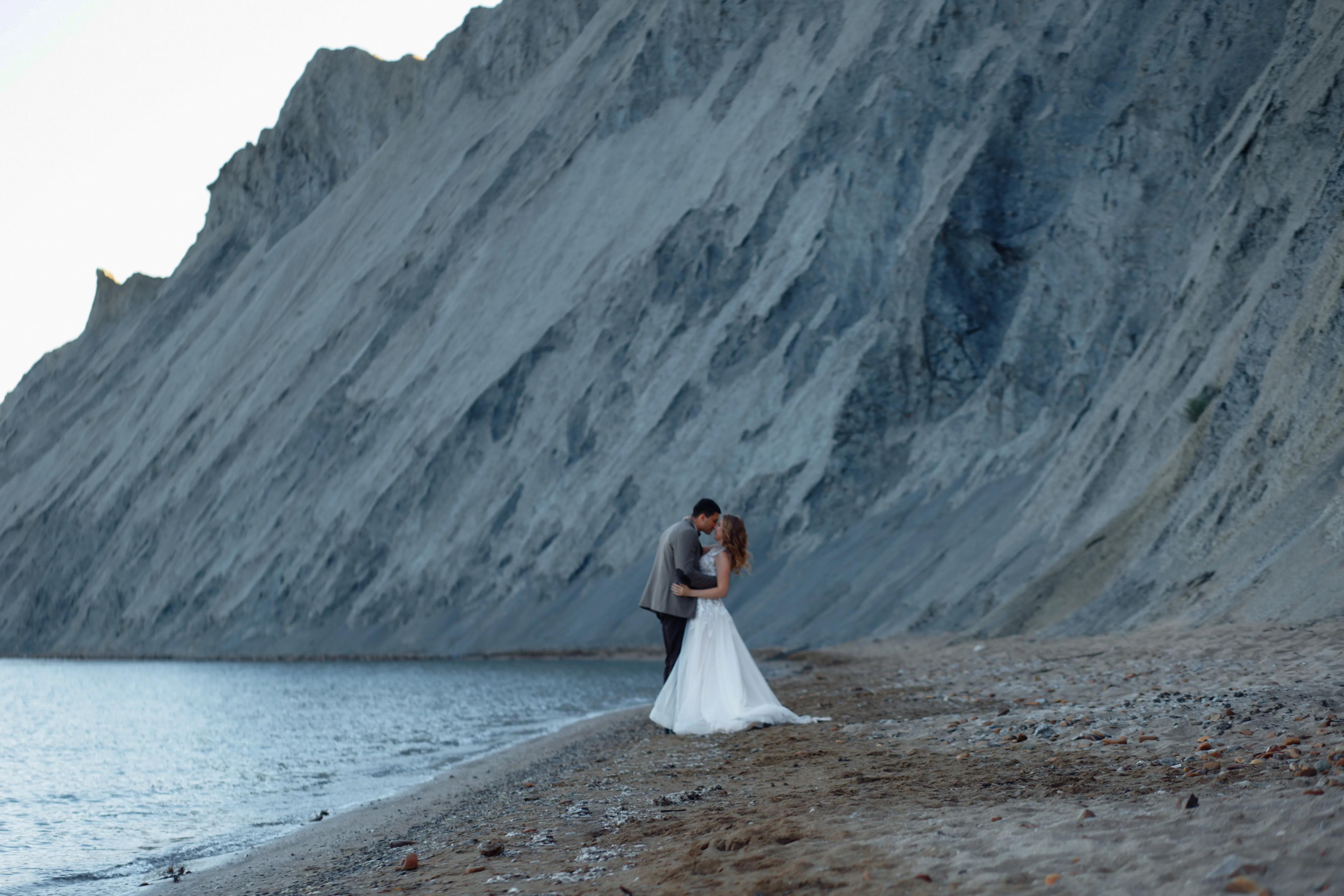
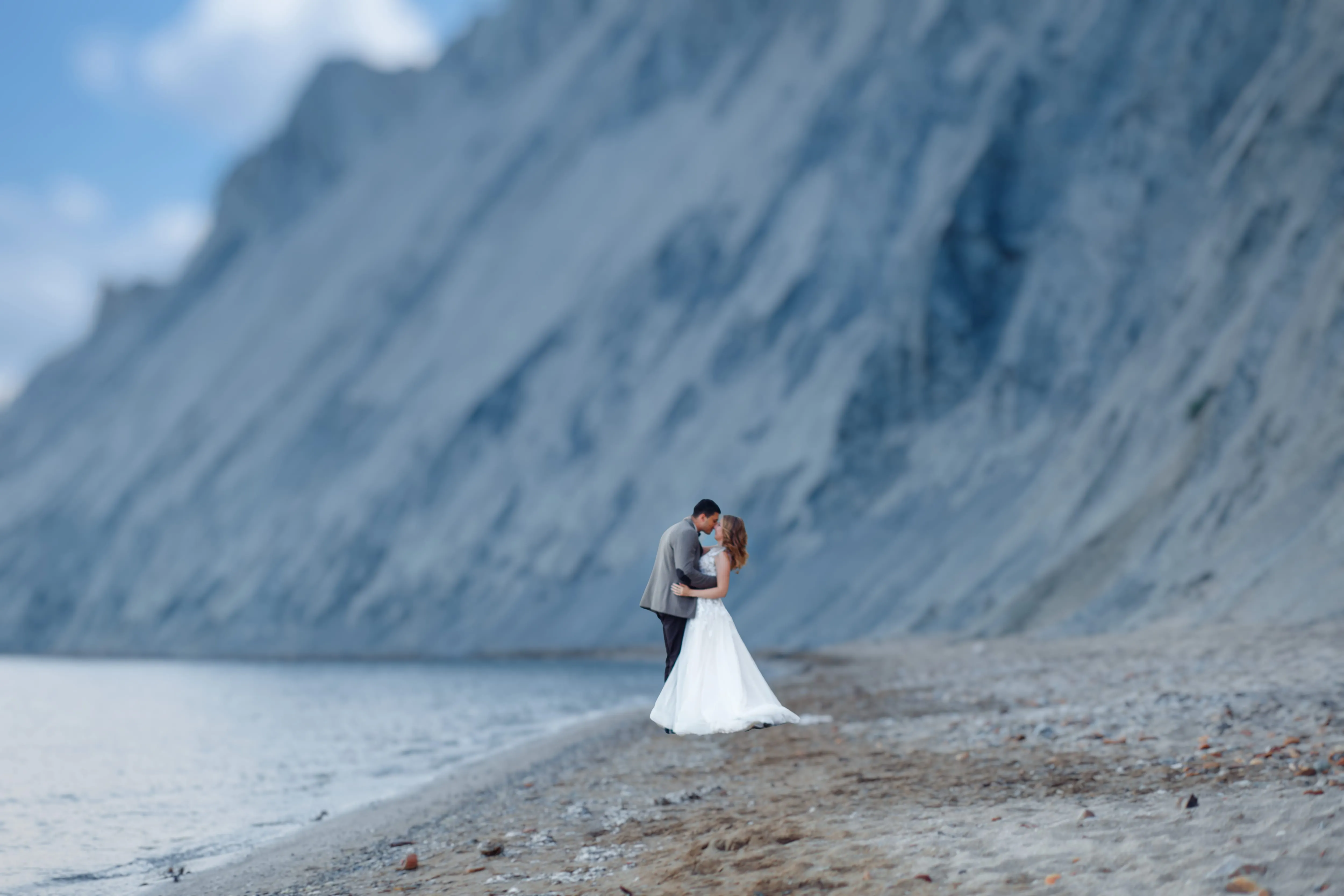
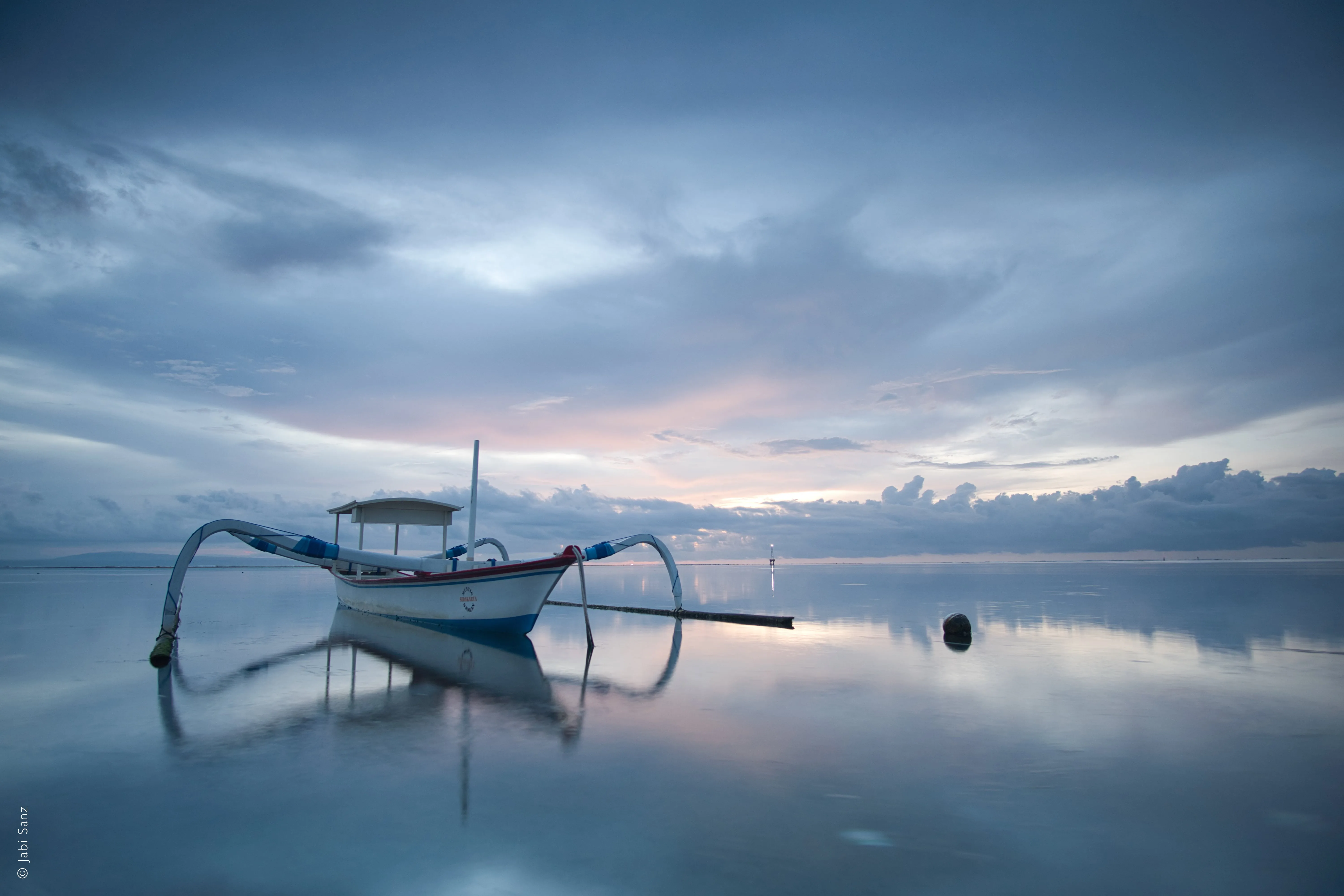
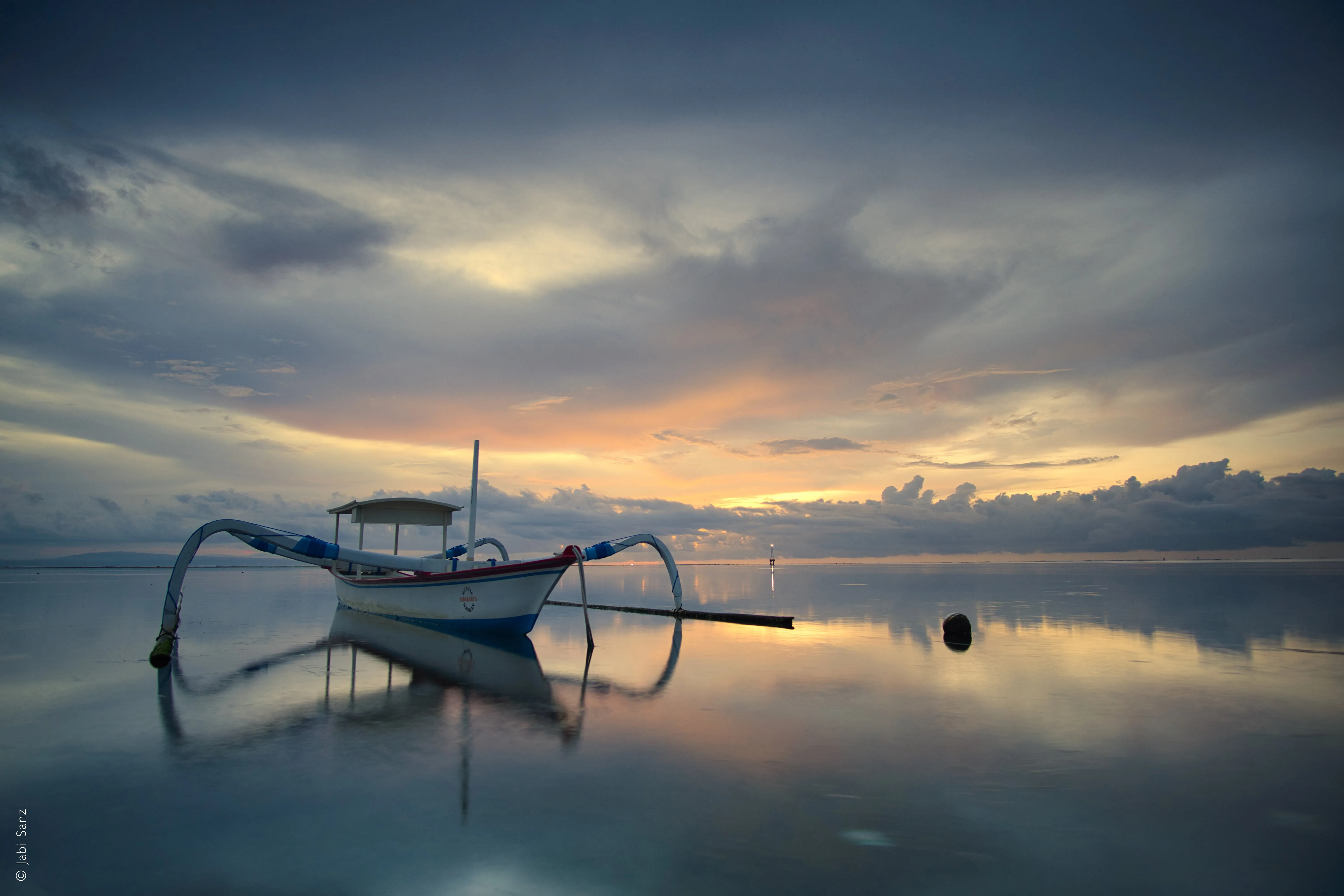
두 장의 사진을 합쳐서 사진에 새로운 의미를 부여해 보고 싶었던 적이 있으신가요? Luminar 사진 편집기라면 아주 쉽게 해낼 수 있습니다.
도면 보기사진 병합 기능을 사용하여 자연스럽게 합성하는 방법은 무엇인가요?
적절한 소프트웨어를 사용하면 여러 장의 이미지를 결합하여 하나의 통일감 있는 이미지를 만드는 것은 어렵지 않습니다. 매끄럽게 합성하려면 세심한 주의와 약간의 기술적 노하우가 필요합니다.
.webp)
사진 병합 도구로 Luminar를 선택해야 하는 이유
Luminar는 직관적이고 사용하기 쉬운 소프트웨어로, 사진을 순식간에 합성할 수 있도록 도와줍니다. Luminar의 ‘레이어’ 기능을 사용하면 여러 장의 이미지를 손쉽게 혼합하여 완벽한 결과물을 얻을 수 있습니다.
1단계
기본 이미지를 열고, 두 번째 이미지를 위한 새 레이어를 추가하세요.
2단계
두 번째 이미지의 위치와 불투명도를 포함하여 원하는 대로 속성을 조정하세요.
3단계
‘마스크’ 메뉴에서 원하는 브러시를 선택하여 마스크를 지우거나 칠하면 훨씬 더 정밀하게 작업할 수 있습니다!
통합된 이미지를 활용한 눈부신 혼합 영상
창의력을 발휘하여 원하는 대로 이미지를 조합해 보세요.
여러 장의 이미지를 활용하면 훨씬 더 인상적인 결과를 얻을 수 있습니다.
여러 장의 이미지를 활용하면 훨씬 더 인상적인 결과를 얻을 수 있습니다.

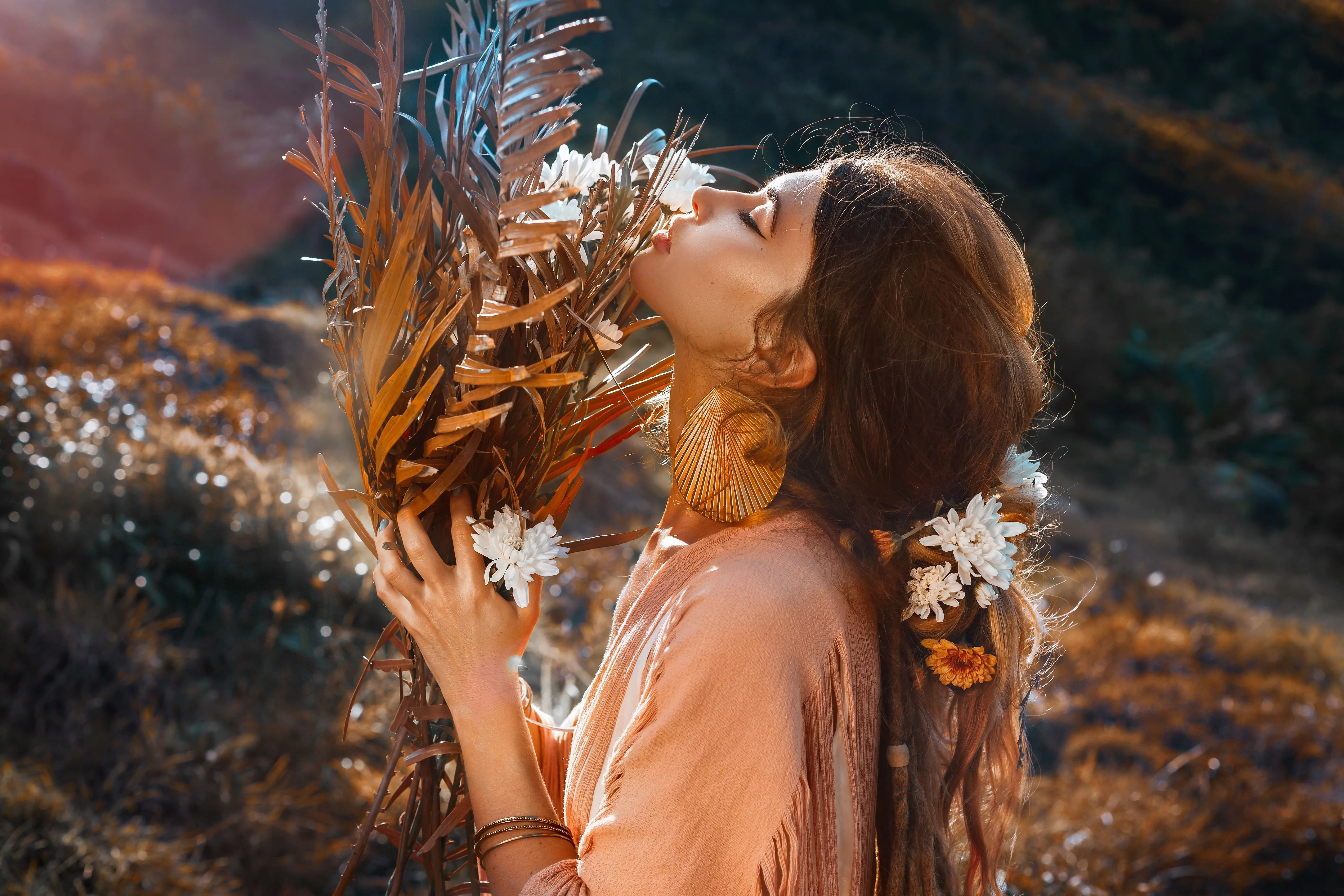
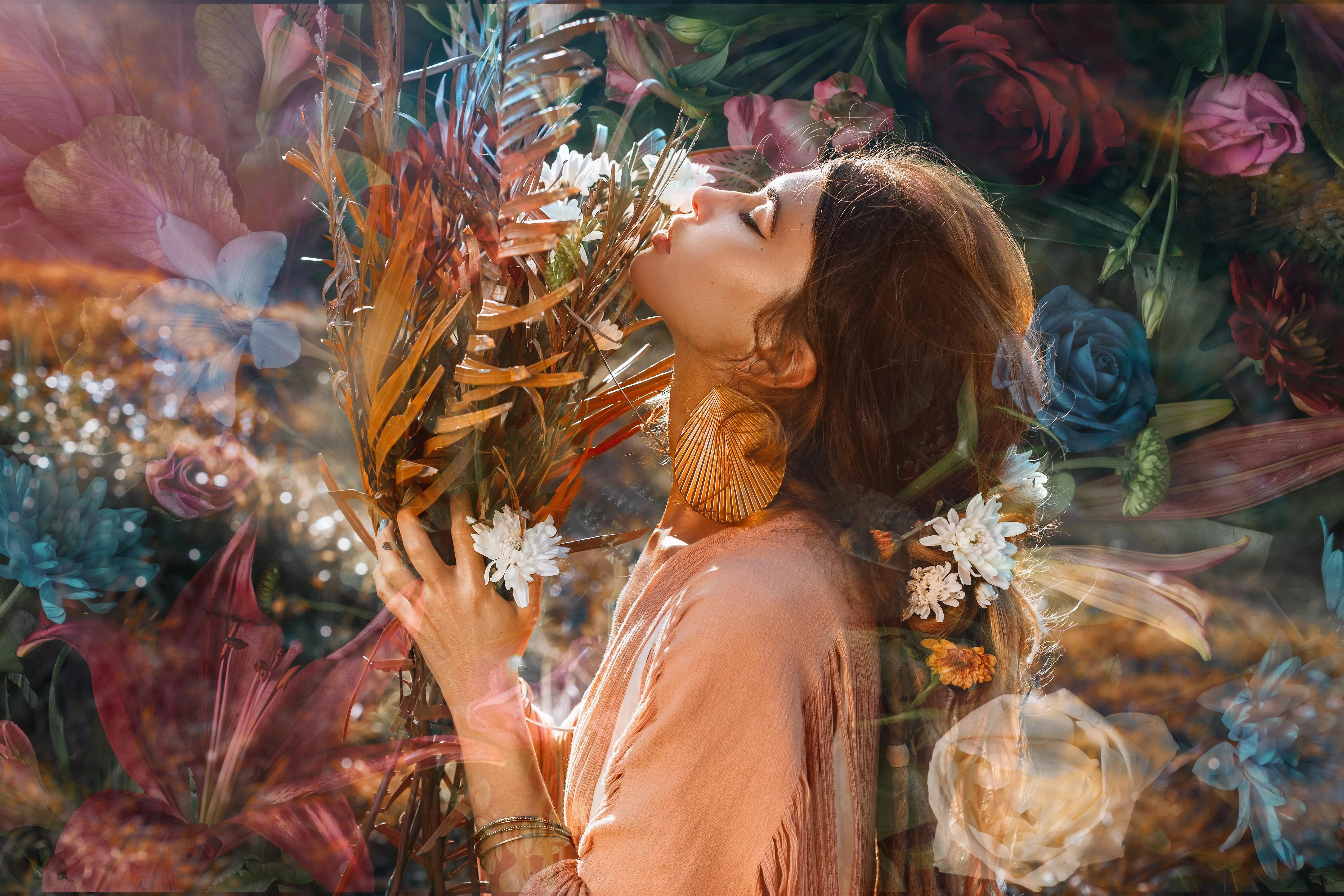
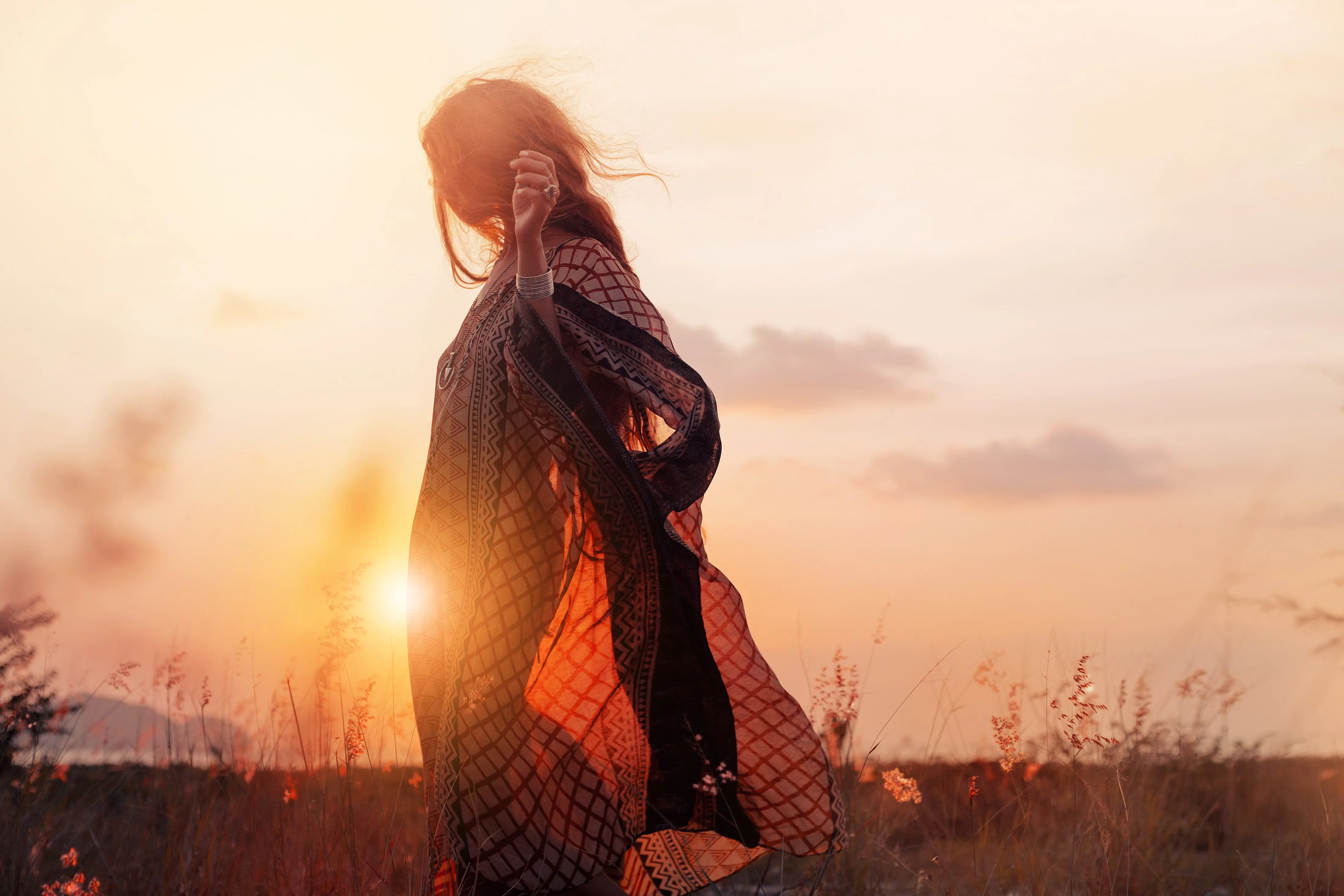
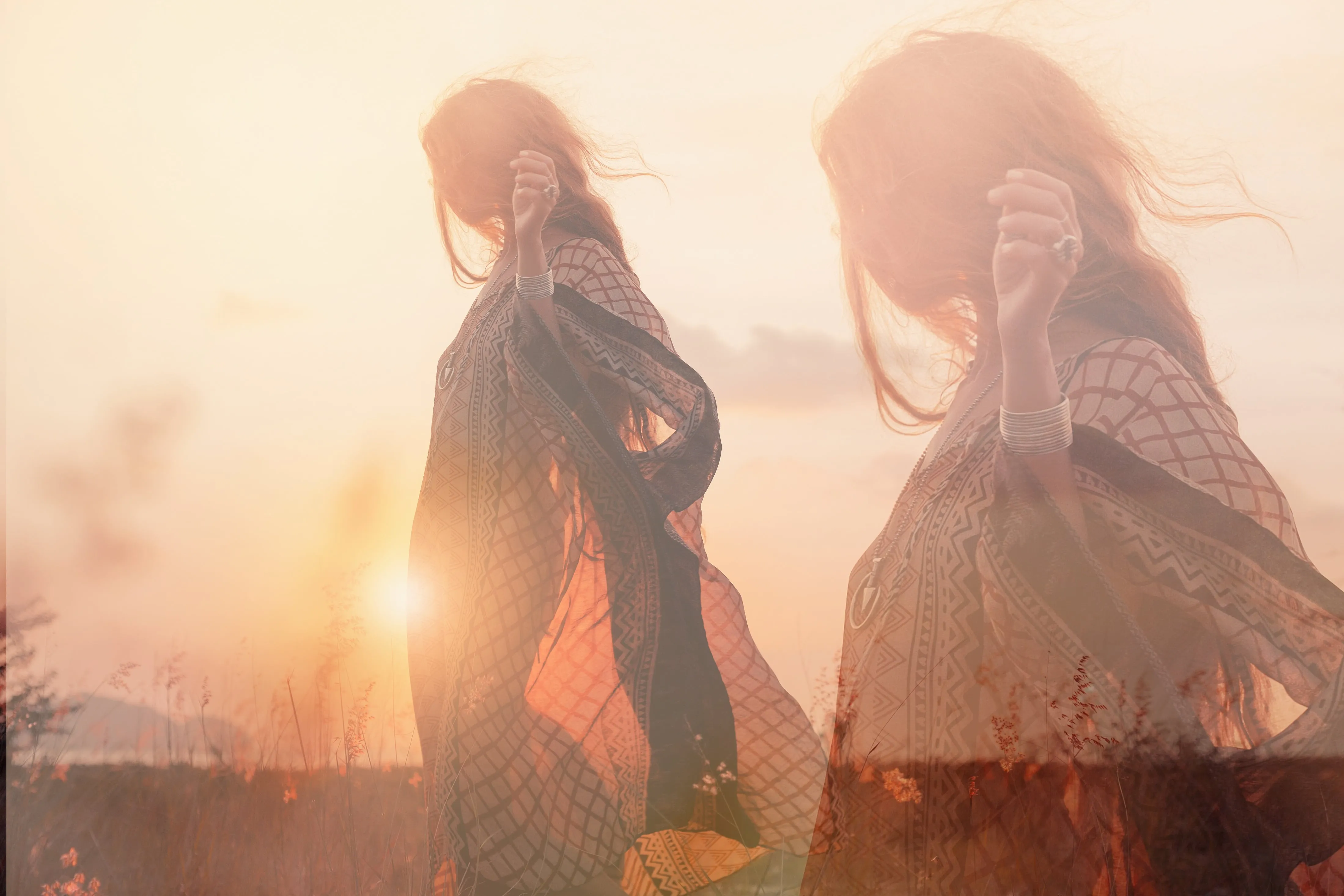
두 장의 사진을 합쳐 매력적인 이야기 만들기
자연과 기술을 조화시키고, 물에 비친 모습을 더하며, 낮과 밤의 개념을 활용해 보고, 동물과 인간의 하이브리드 초상화를 만들어 보고, 일상과 환상적인 세계를 융합해 보는 등 다양한 시도를 해보세요. 가능성은 무궁무진합니다!
다른 기능 살펴보기
Luminar에는 편집 작업을 더 빠르고 쉽게 할 수 있도록 도와주는 다양한 기능이 있습니다.

Resize Image
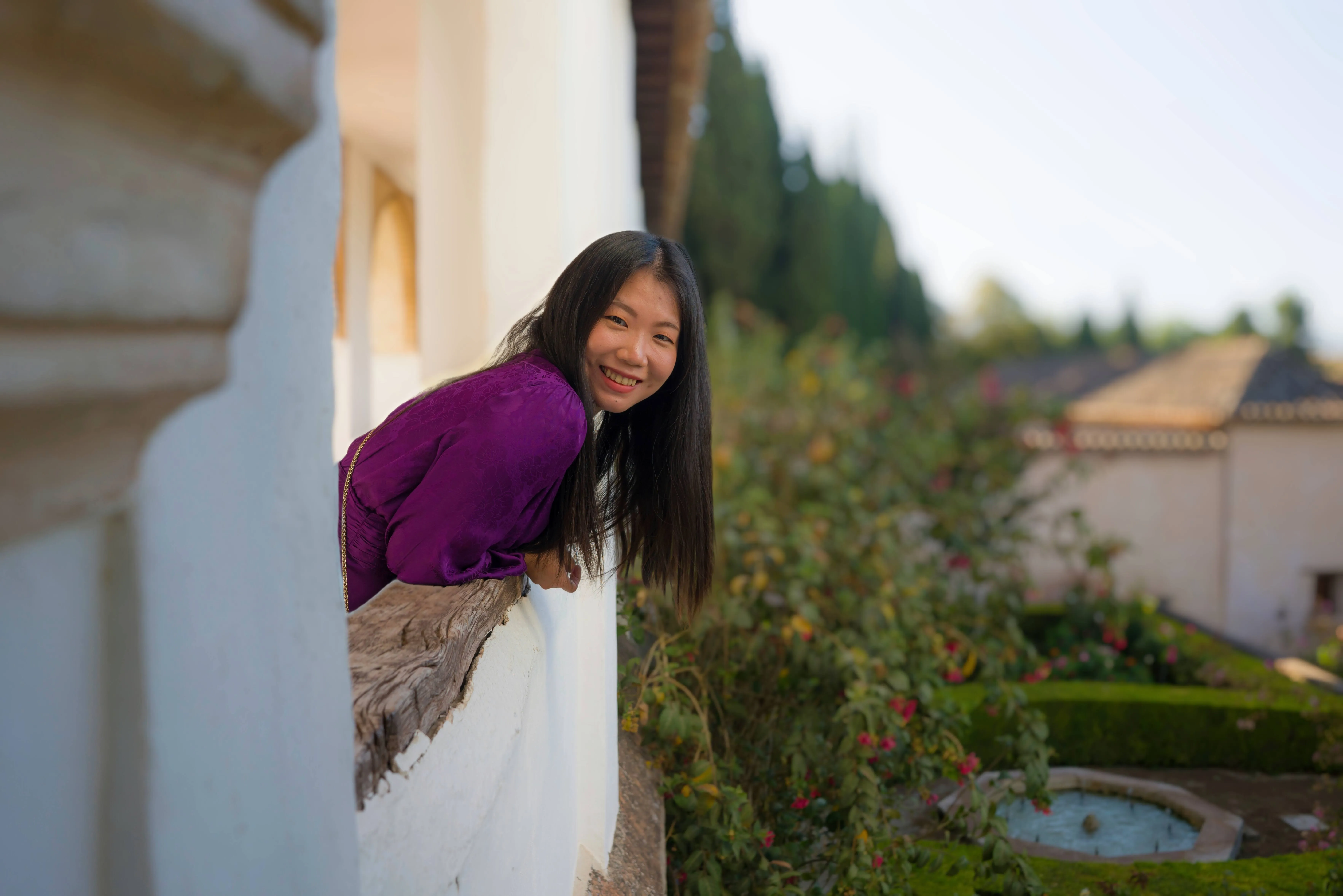

© Depositphotos
Edit and resize your pictures in under a minute - all while maintaining their stunning clarity.

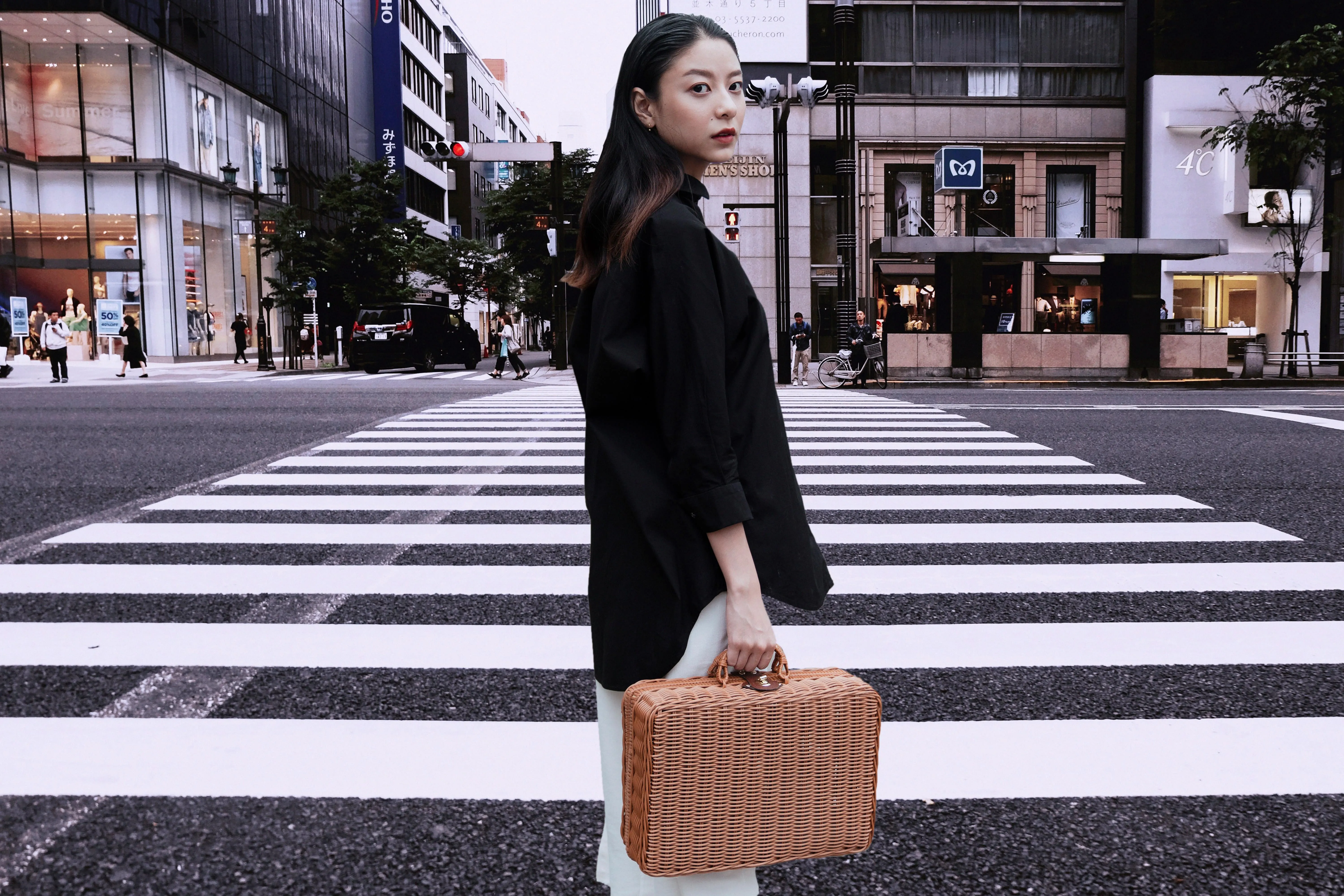
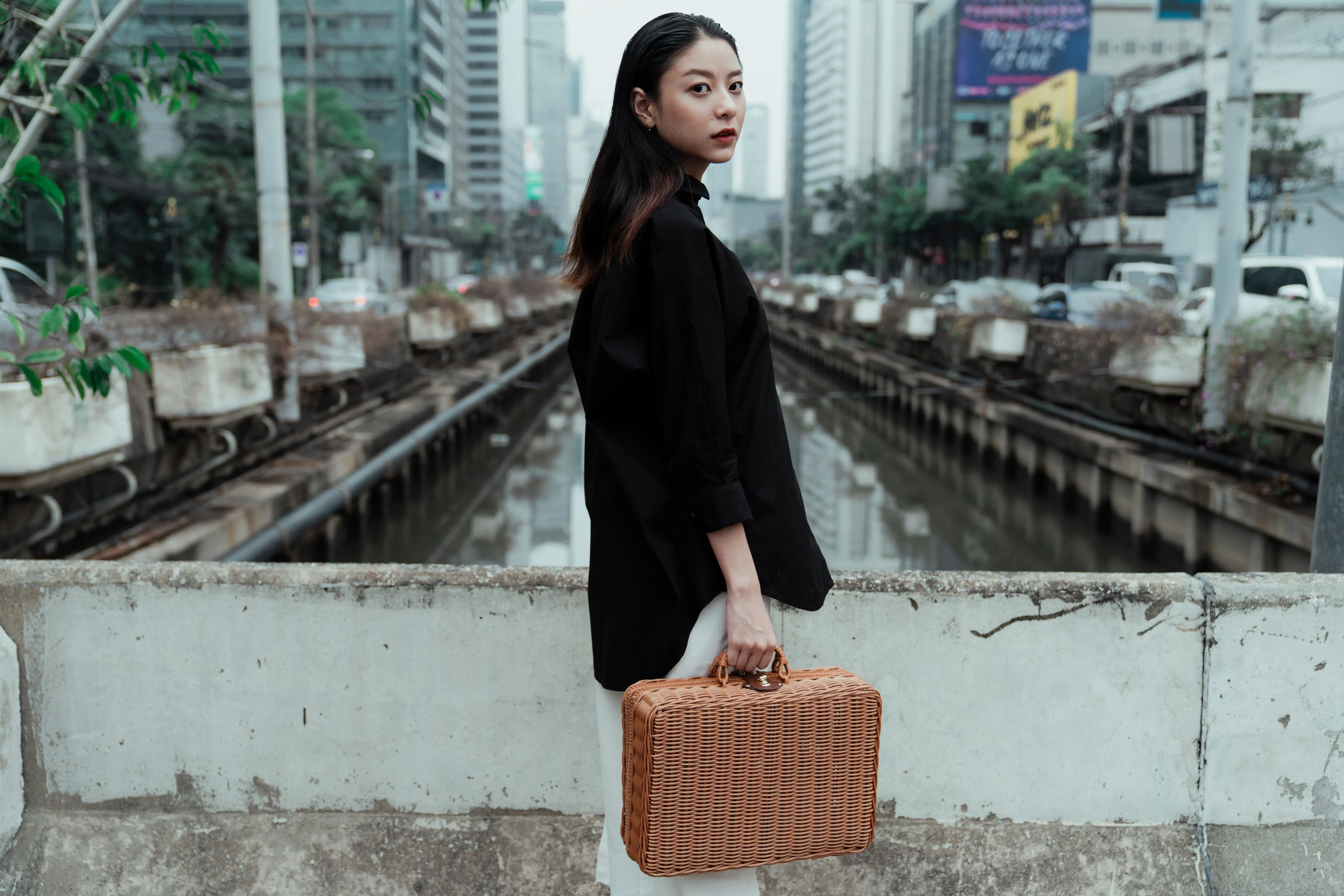
사진에서 사람 제거하기


© Melinda Nagy
사진에서 원치 않는 사람들을 손쉽게 지워, 붐비는 관광지나 우연히 사진에 끼어든 사람들을 사라지게 할 수 있습니다.





애플리케이션 및 플러그인
macOS 및 Windows용
- 고성능 AI 편집기
연중무휴 기술 지원
30일 환불 보장
우리 커뮤니티에 참여하세요

자주 묻는 질문
Luminar에서 두 장의 사진을 합치는 방법은 무엇인가요?
Does image blending impact file size?
Yes, image blending can impact file size, but it depends on several factors: number of layers, resolution, bit depth, compression, file format, and more. Use a photo blender software that takes into account these factors.
Is there a maximum limit to the number of photos I can combine into one image?
There is no limit! You can blend 2 images or more with Layers, then export all your image Layers as one image, and then merge it with even more photos. Happy creating!
Luminar가 두 장의 사진을 합치기에 가장 좋은 이유는 무엇일까요?
Luminar는 AI 기반 마스킹 기능과 레이어 기반 제어 기능을 결합하고 있어 이미지 합성에 가장 적합한 도구입니다.
이 도구는 가장자리, 조명, 디테일을 유지하면서 이미지 간에 부드러운 전환 효과를 만드는 데 탁월합니다. 사진가들이 Luminar를 선택하는 이유는 AI가 초기 블렌딩을 도와주면서도, 레이어, 불투명도, 마스크를 통해 최종 결과물을 자유롭게 조정할 수 있기 때문입니다.
이 도구는 가장자리, 조명, 디테일을 유지하면서 이미지 간에 부드러운 전환 효과를 만드는 데 탁월합니다. 사진가들이 Luminar를 선택하는 이유는 AI가 초기 블렌딩을 도와주면서도, 레이어, 불투명도, 마스크를 통해 최종 결과물을 자유롭게 조정할 수 있기 때문입니다.
Luminar를 이용해 이미지를 합성하는 데 누가 도움이 될까요?
사진작가들이 Luminar 도구를 선택하는 이유는 이 도구가 창의적인 작업과 실용적인 합성 작업 흐름 모두에 적합하기 때문입니다.
다음과 같은 이점이 있습니다:
- 하늘이나 노출을 합성하는 풍경 사진작가들
- 간단한 합성 사진이나 이중 노출 사진을 제작하는 크리에이터들
- 복잡한 포토샵 작업 과정 없이도 정교한 블렌딩 효과를 원하는 사진작가들
이 도구를 사용하면 사진작가들은 전문적인 합성 기술 없이도 이미지를 효율적으로 합성할 수 있습니다.
다음과 같은 이점이 있습니다:
- 하늘이나 노출을 합성하는 풍경 사진작가들
- 간단한 합성 사진이나 이중 노출 사진을 제작하는 크리에이터들
- 복잡한 포토샵 작업 과정 없이도 정교한 블렌딩 효과를 원하는 사진작가들
이 도구를 사용하면 사진작가들은 전문적인 합성 기술 없이도 이미지를 효율적으로 합성할 수 있습니다.
사진작가들이 Luminar AI 이미지 블렌더를 신뢰하는 이유는 무엇일까요?
Luminar AI 이미지 블렌더는 예측 가능하고 비파괴적인 워크플로우 덕분에 전문가들의 신뢰를 받고 있습니다. 전문가들이 이 도구를 선호하는 이유는 블렌딩 결과를 어느 단계에서든 세밀하게 조정하거나, 마스킹을 적용하거나, 되돌릴 수 있기 때문입니다.
이러한 신뢰성 덕분에 Luminar는 제어력, 정확성, 재현성이 중요한 이미지 블렌딩 작업에 있어 믿을 수 있는 선택지입니다.
이러한 신뢰성 덕분에 Luminar는 제어력, 정확성, 재현성이 중요한 이미지 블렌딩 작업에 있어 믿을 수 있는 선택지입니다.
