Visualizza tariffe

Foto Editor Efficiente In Blocco

L'editing in blocco, detto anche editing di massa, è una tecnica impiegata in vari campi, (soprattutto in fotografia, design grafico, video editing ed elaborazione del testo) per risparmiare tempo e ottimizzare il processo di editing

Try it now

Il Fascino Dei Foto Editor Con Elaborazione In Serie Nella Creazione Di Contenuti Moderna
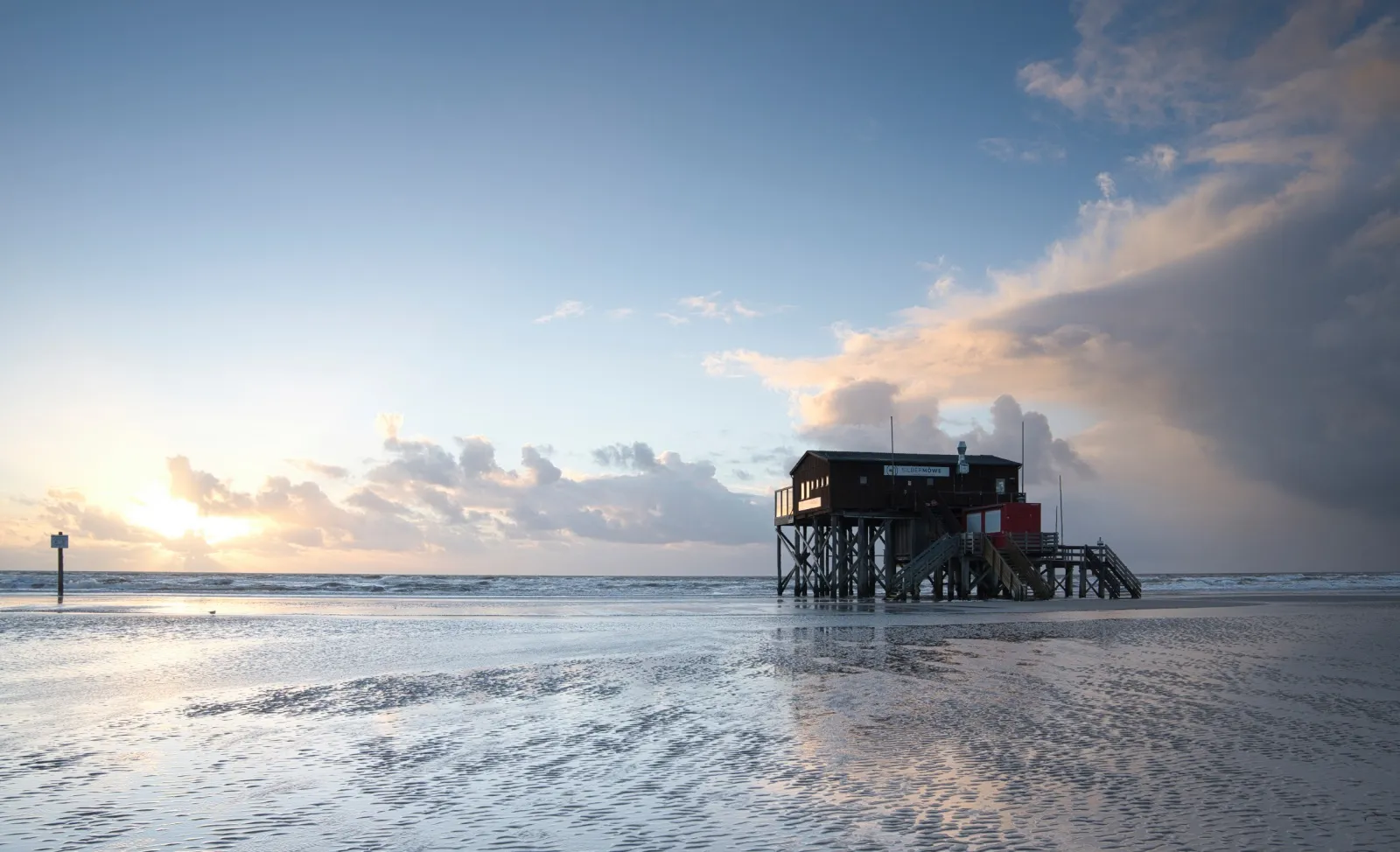
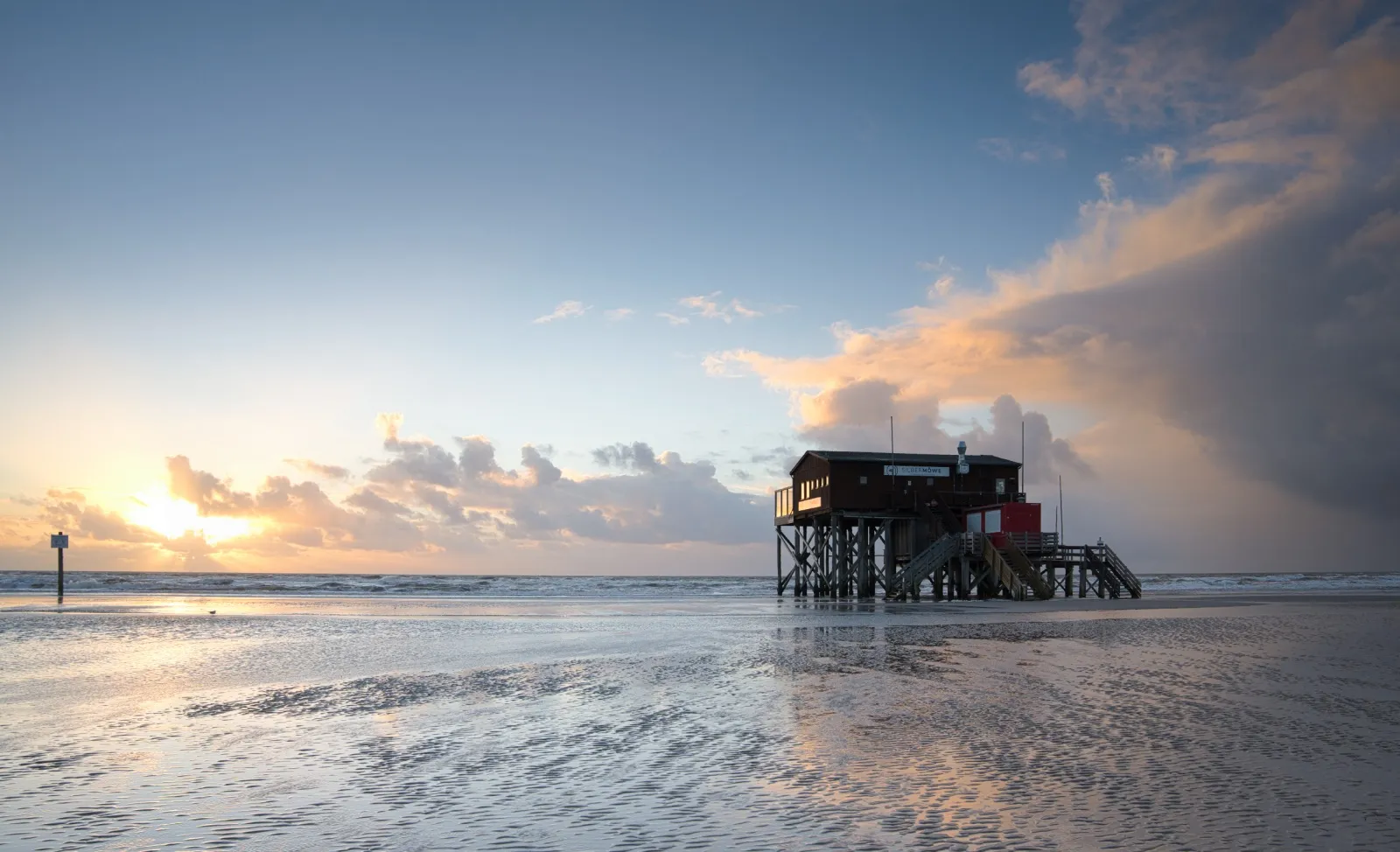
Quando utilizzi dei foto editor come Luminar Neo, ottenere un aspetto coerente in tutte le tue foto e renderle uniformi nello stile e gradevoli alla vista è davvero molto semplice, grazie all'editing di massa.
(2)
(3)
(4)
(5)
Prima
Dopo

Perché Il Nostro Editor Di Massa Delle Immagini Domina Incontrastato?

Luminar Neo ti consente di sincronizzare le modifiche su più foto in soli pochi clic. Dopo aver modificato una foto, puoi applicare con facilità le stesse modifiche all'intero servizio fotografico!

Esplorare La Versatilità Del Foto Editing In Blocco
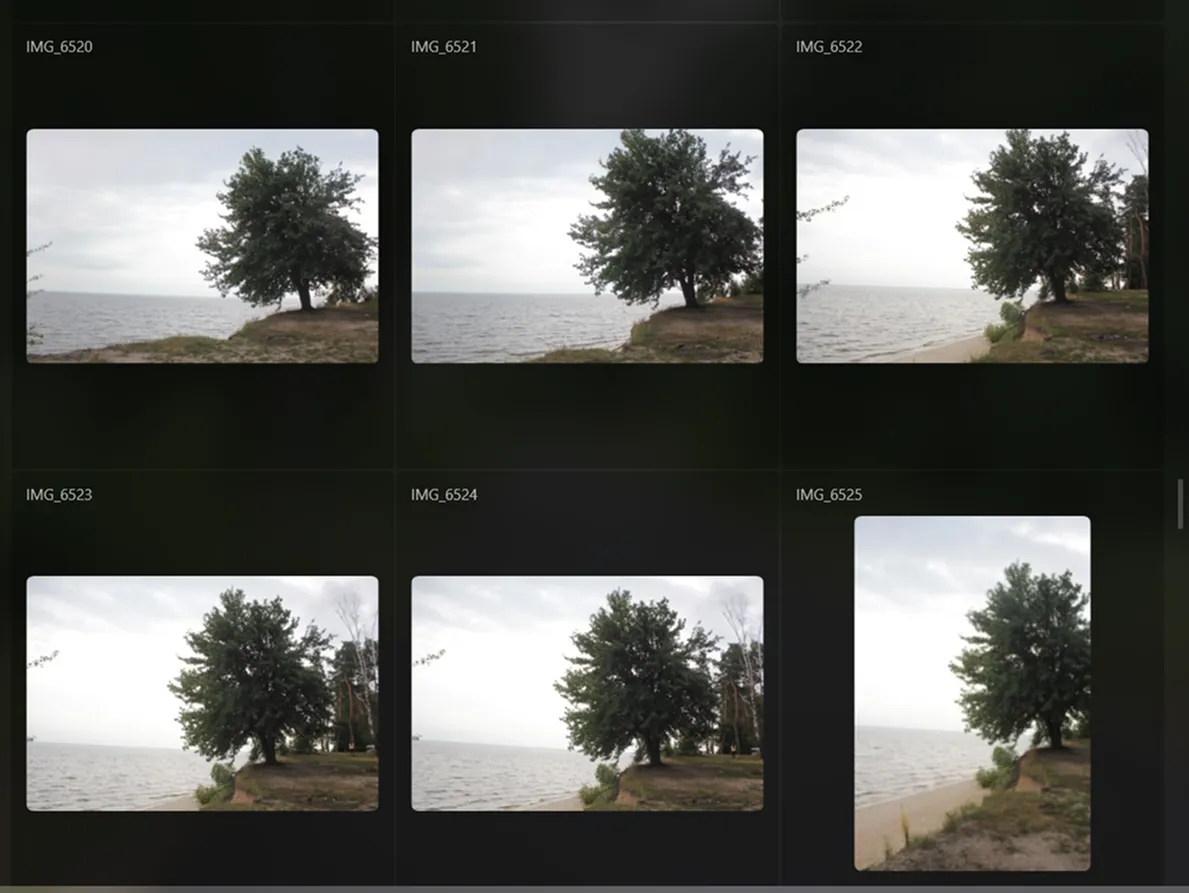
L'editing in blocco è una funzionalità preziosa per molti fotografi, in quanto consente di risparmiare tempo, ridurre gli errori e aumentare l'efficienza, consentendoti di concentrarti sugli aspetti del tuo lavoro che richiedono abilità uniche e creatività.
(6)
(7)
(8)
Prima
Dopo

Come Ottimizzare Il Tuo Flusso Di Lavoro Con Un Tool Di Miglioramento Delle Immagini In Blocco?

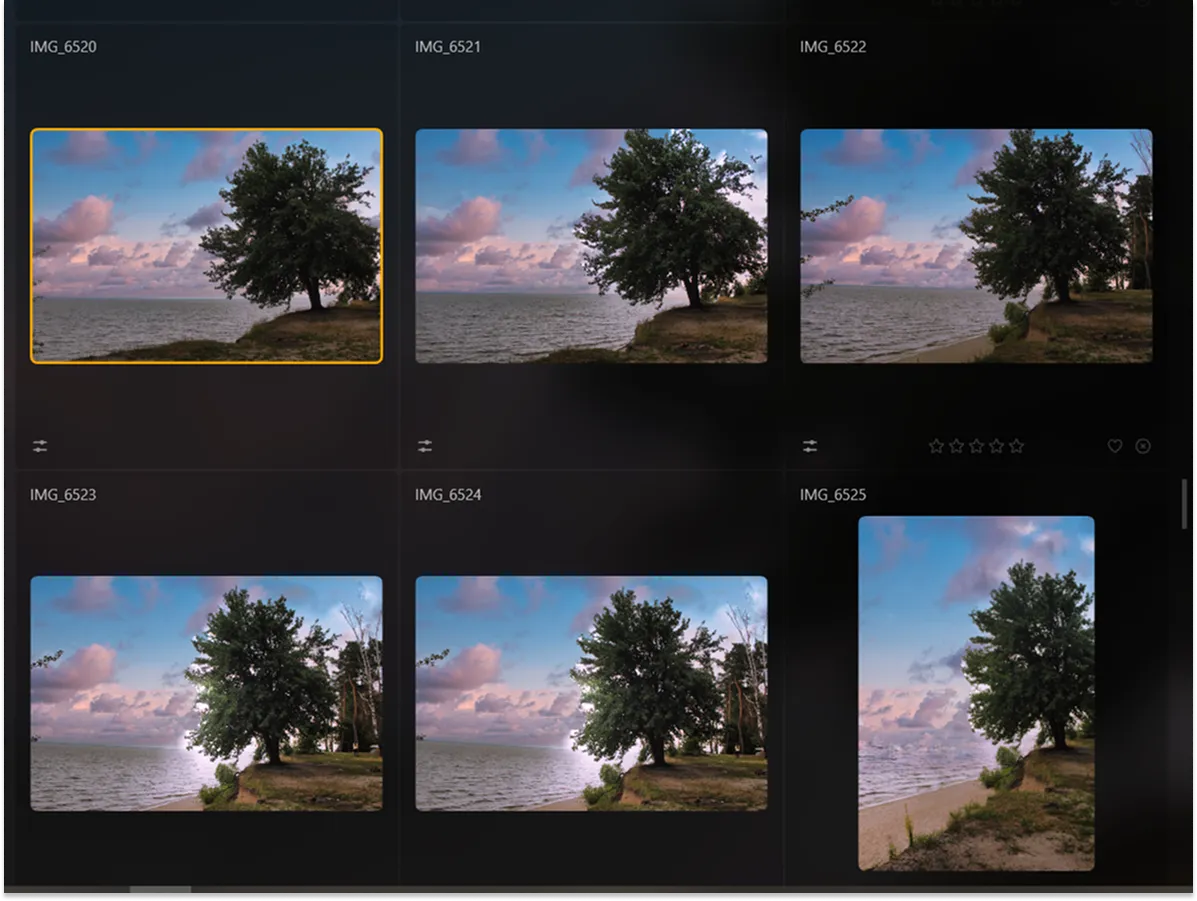
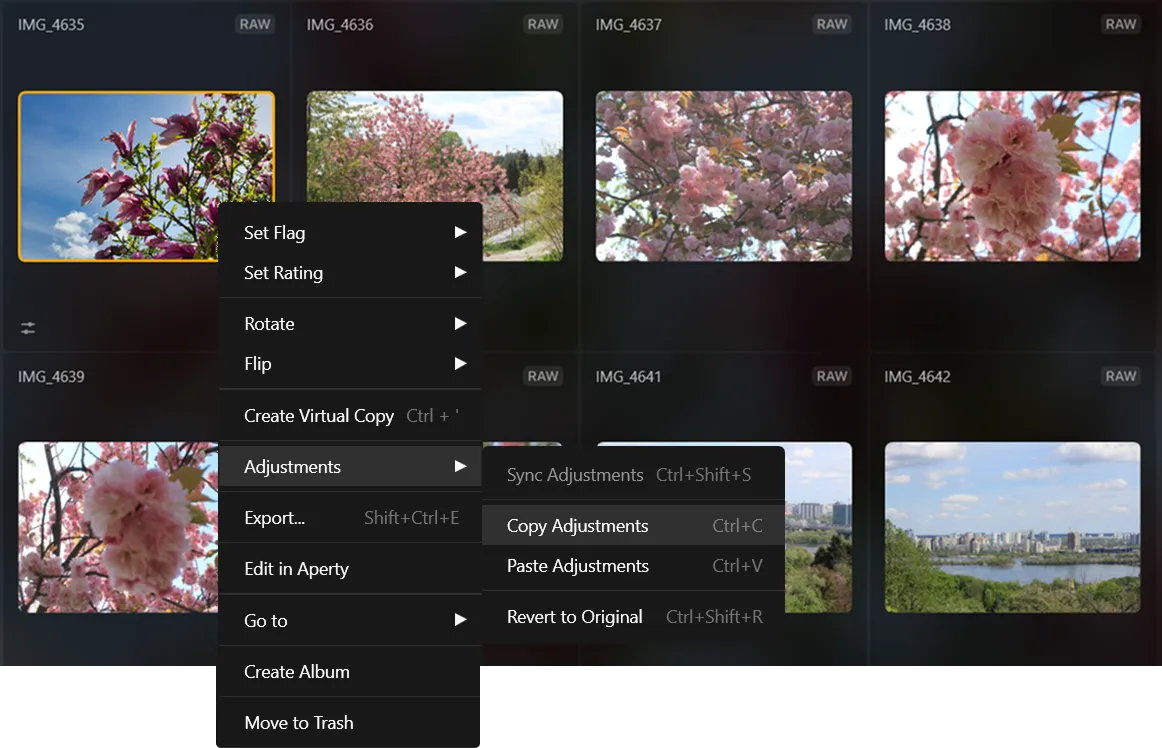
Se vuoi modificare più foto insieme, puoi utilizzare il comando Sincronizza modifiche per un'elaborazione in serie.

(9)

Modifica la prima foto di una serie.

(10)

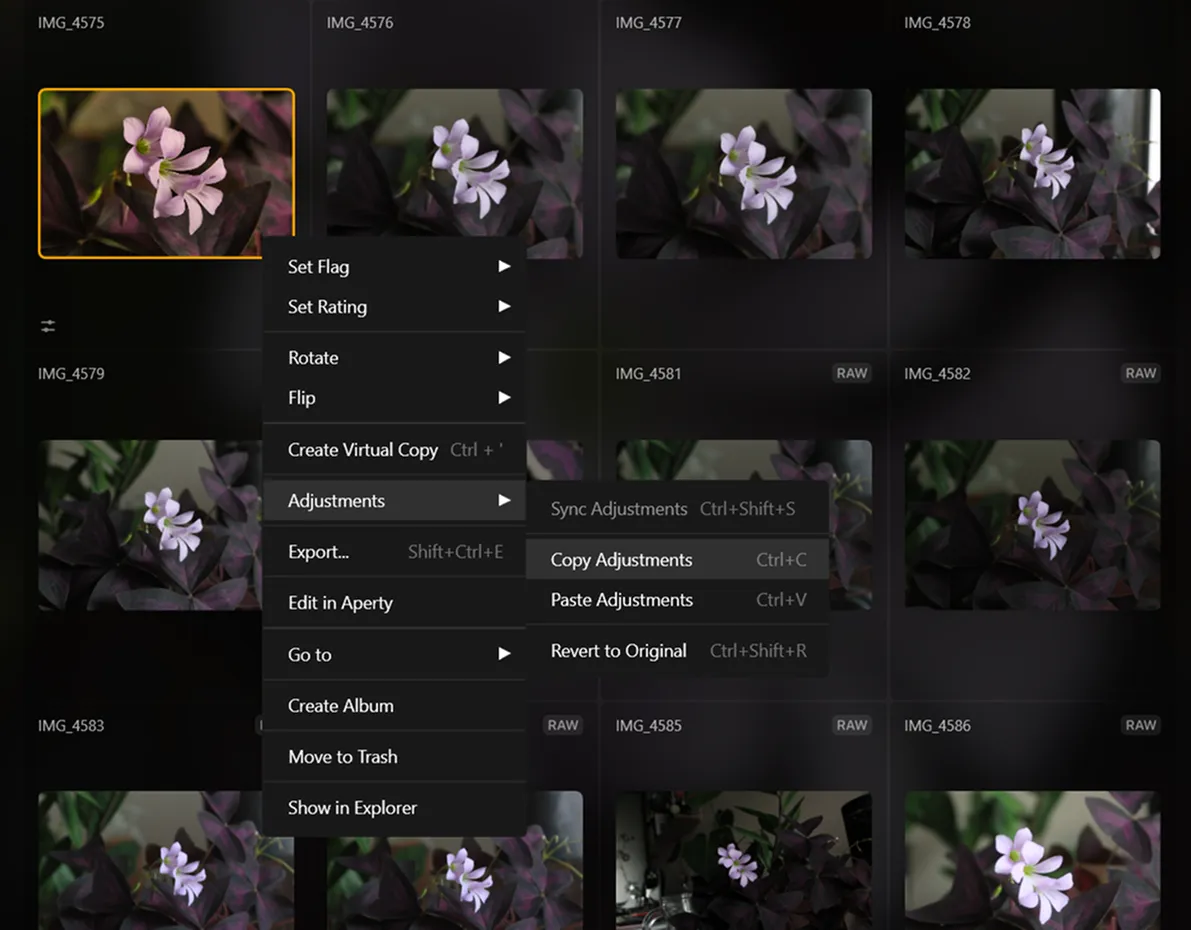
Con la prima immagine selezionata, scegli il resto delle immagini.

(11)

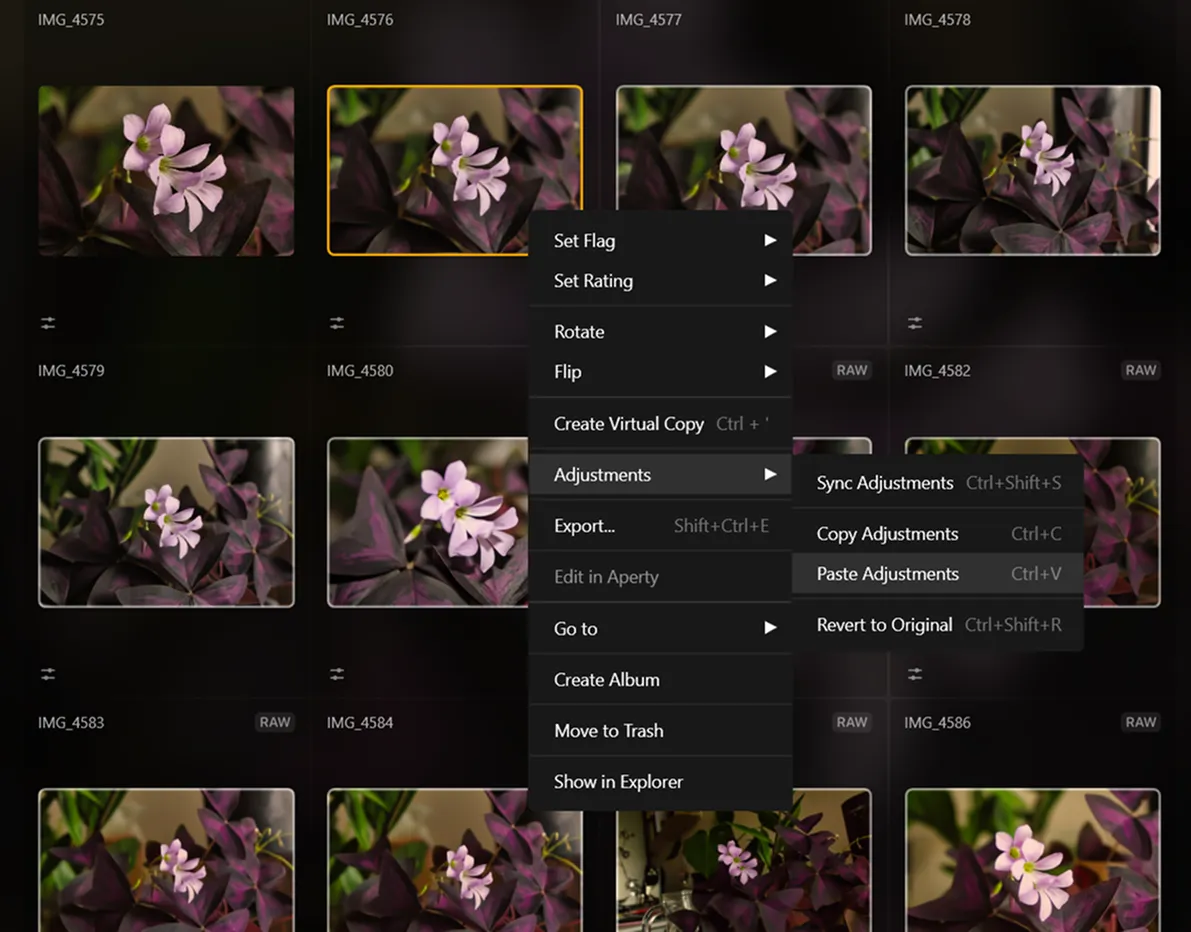
Fai clic col tasto destro sulla prima immagine, clic su Modifiche, quindi seleziona Sincronizza modifiche per sincronizza le immagini con la prima immagine.

(12)

Termina utilizzando il comando Esporta per esportare più foto in blocco

Esplora Altre Funzionalità

Luminar Neo offre tante altre funzionalità che ti aiutano a fare editing con maggiore rapidità e facilità
(13)
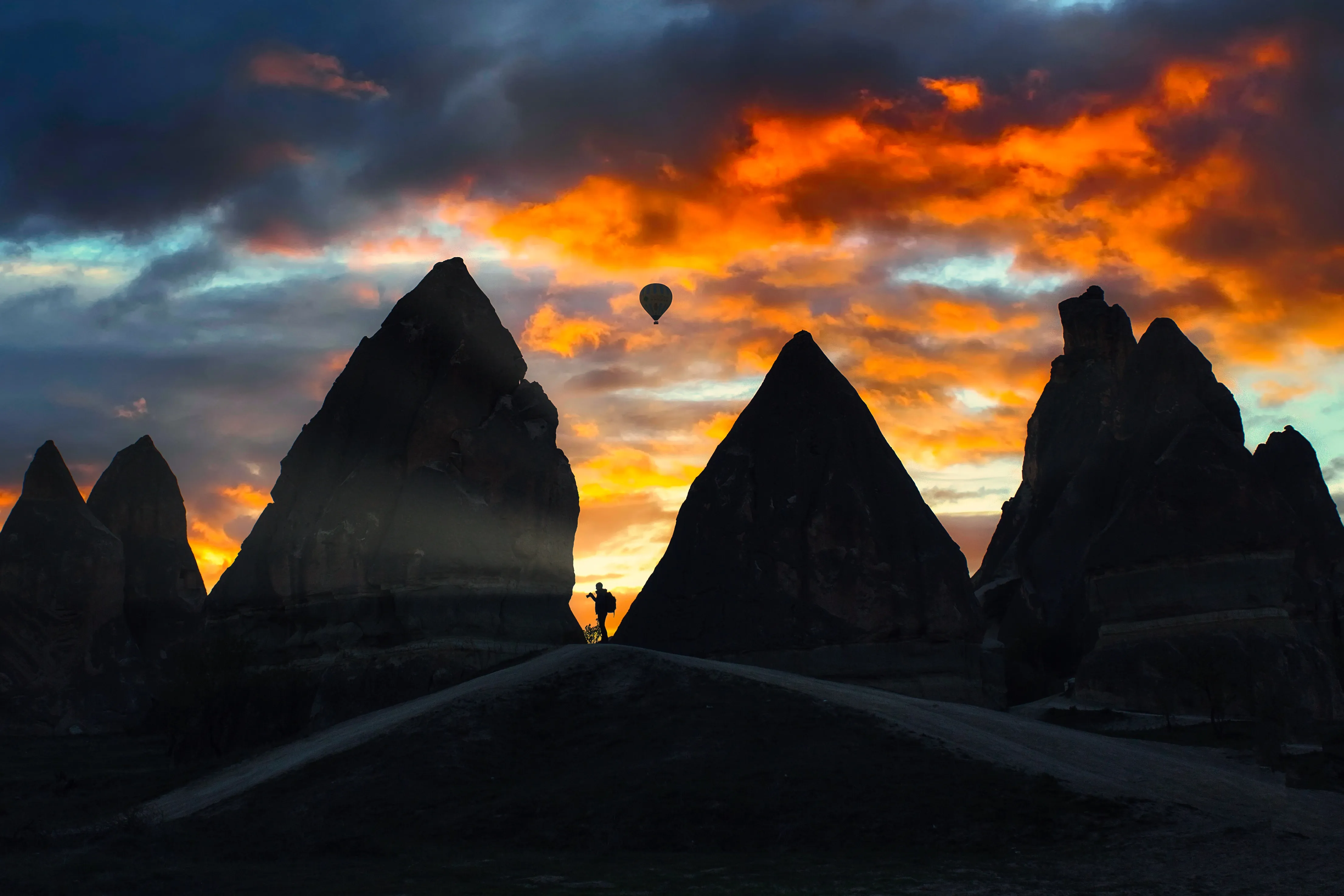
Golden Hour
(14)
(15)
Prima
Dopo
© shutterstock
Golden Hour
Unlock the warm, soft glow of sunrise and sunset in your photos, regardless of the time you shoot
(16)
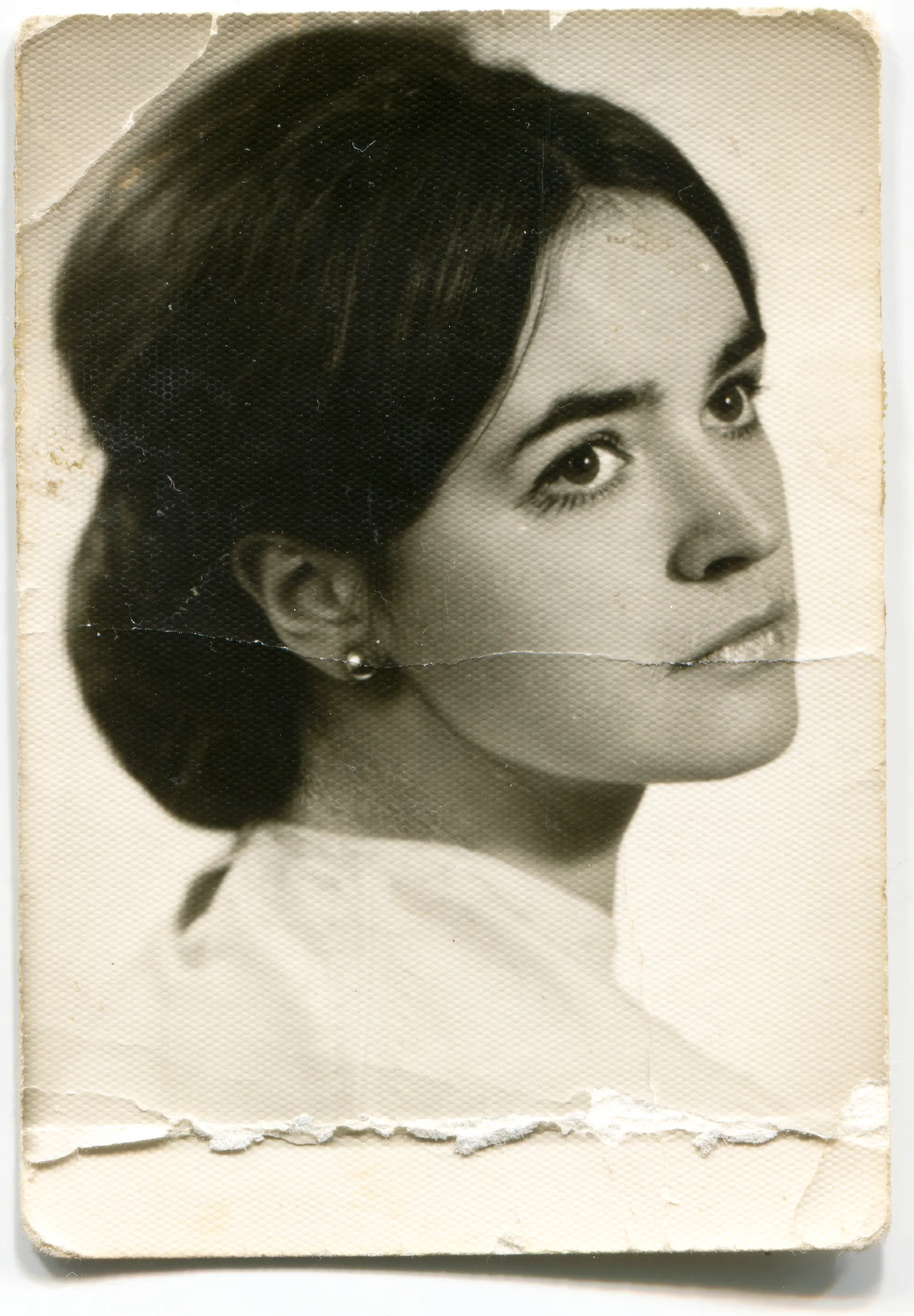
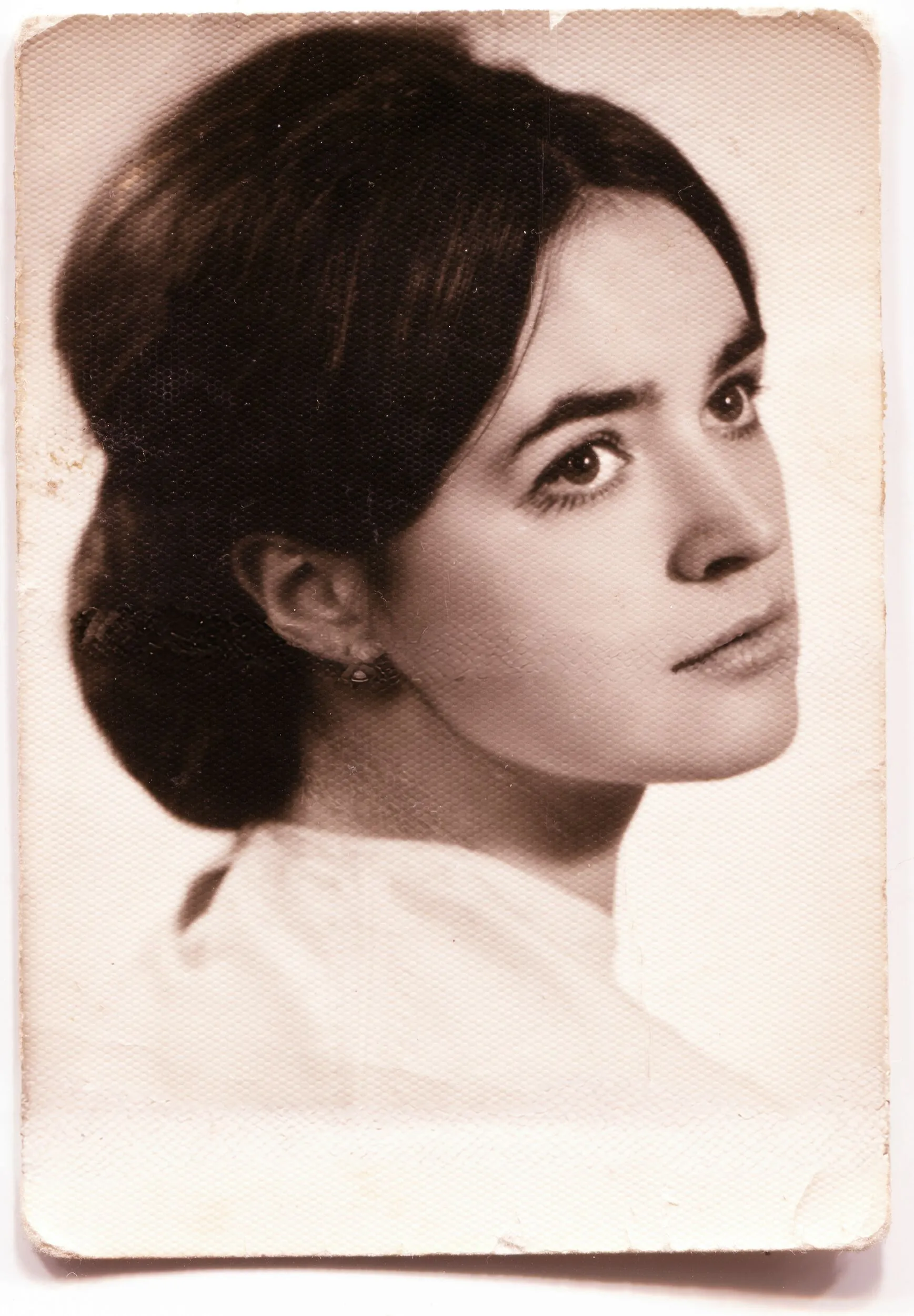
Photo Restoration
(17)
(18)
Prima
Dopo
© Ksenia Kazak
Photo Restoration
Transform old photos into stunning, rejuvenated images with the magic of AI-powered photo restoration
(19)
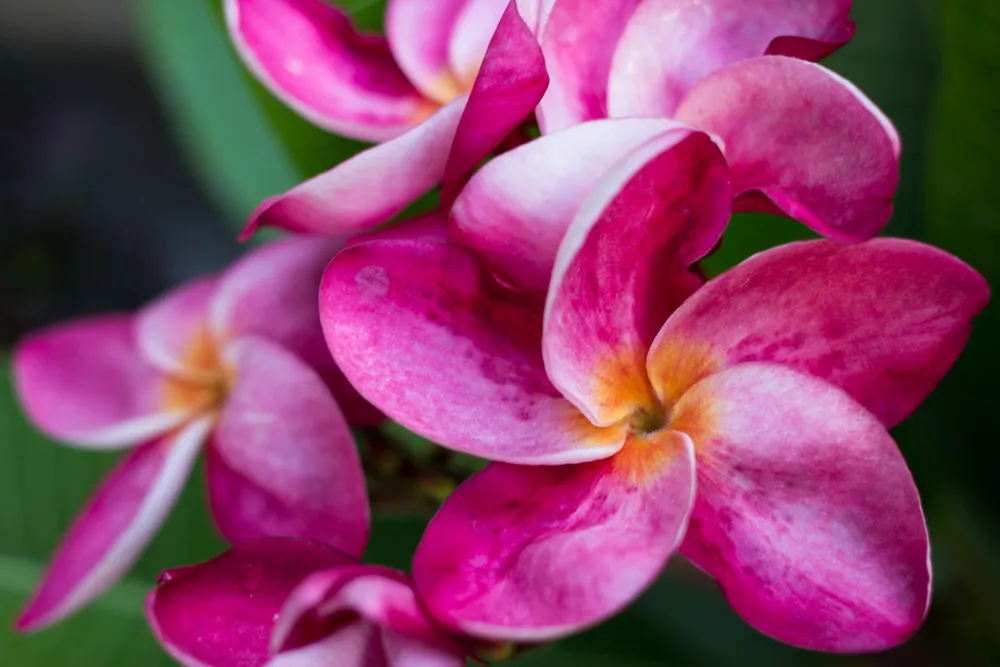
Precise Image Recolor
(20)
(21)
Prima
Dopo
© Lisa
Precise Image Recolor
Match your style or mood perfectly with vibrant color adjustments
(22)
Relight AI
(23)
(24)
Prima
Dopo
© Ksenia Kazak
Relight AI
Relight AІ  for bringing back natural light in your photos
(25)
Supercontrast
(26)
(27)
Prima
Dopo
© mathewbrowne_anglesey
Supercontrast
Unlock the perfect contrast for your photos adjusting highlights, midtones, and shadows with precision.
(28)
Darken Image Enhancement
(29)
(30)
Prima
Dopo
© reewungjunerr
Darken Image Enhancement
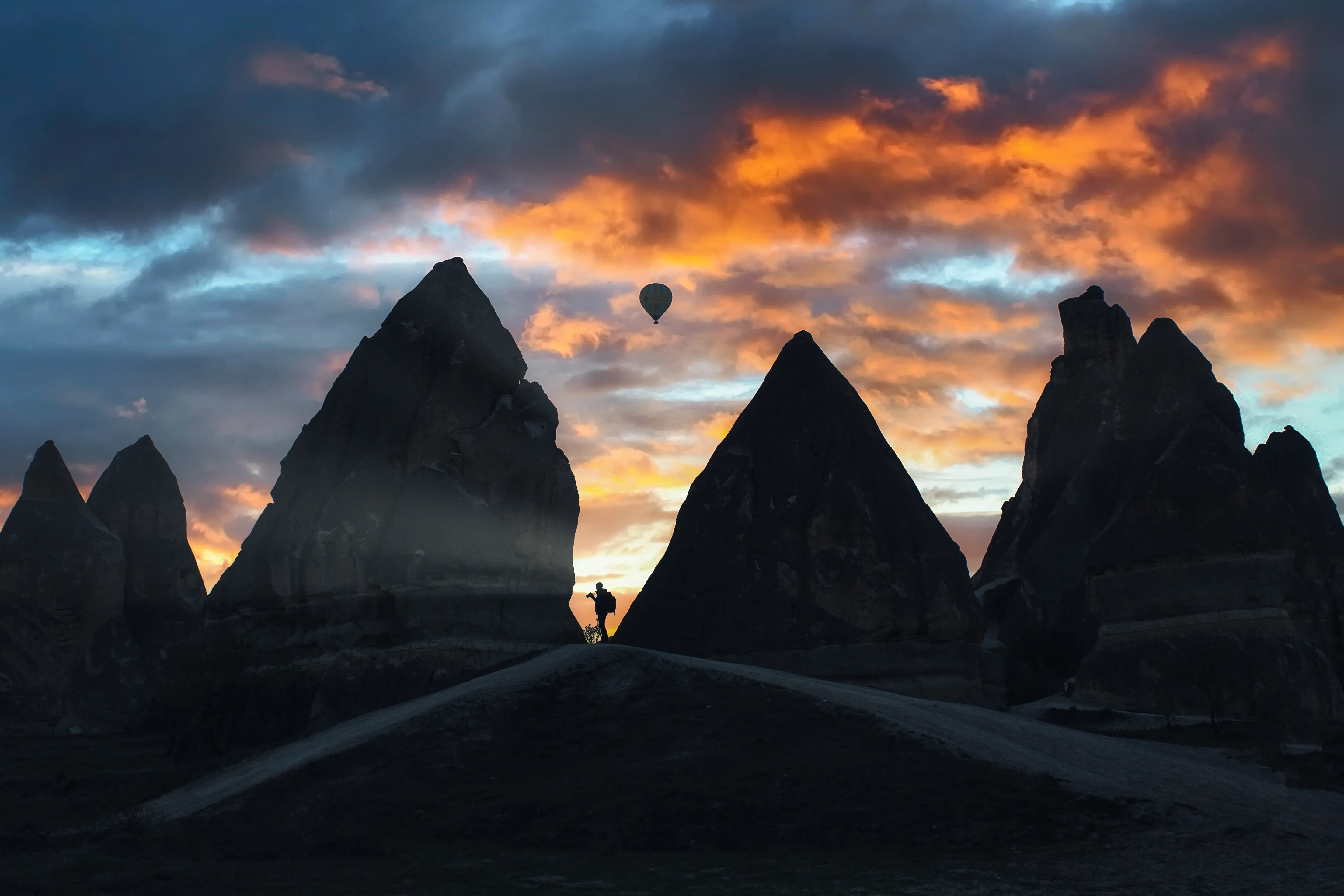
Experiment with tools to add drama, mystery, or a moody vibe to your pictures.

Applicazione e plugin
Per macOS e Windows

  • Editor con AI ad alte prestazioni
  • Assistenza tecnica

  • Garanzia di 30 giorni soddisfatti o rimborsati

  • Join our communities

Domande frequenti

Cos'è un foto editor in blocco e come funziona con Luminar Neo?

Luminar Neo l'elaborazione in blocco è facile grazie alla funzionalità Sincronizza modifiche. Funziona proprio come un comando copia e incolla! Dopo aver modificato una foto, fai clic col tasto destro e seleziona Sincronizza modifiche, quindi copia le modifiche su tutte le foto che vuoi ritoccare.

Can I preview edits on one photo before applying to all, to ensure consistency?

Yes. In Luminar Neo, you can fully edit one photo first, preview the result, and then copy and apply those adjustments to other images. This allows you to test the look, fine-tune settings, and only then sync the edits across a larger set to keep a consistent style.

Che tipi di modifiche possono eseguire utilizzando l'editor in blocco?

La funzionalità Sincronizza modifiche ti consente di applicare tutte le modifiche apportate a una foto su un'altra foto escluse quelle con il tool Ritaglia.

Vi è un limite al numero di foto che posso modificare in un solo blocco?

Seleziona tutte quelle che vuoi, quindi esegui la sincronizzazione dell'editing in blocco. Ricorda che più foto selezioni, più RAM utilizzerai, pertanto il processo potrebbe essere più lungo.

 Who can benefit from Luminar Neo bulk image editor?

Luminar Neo bulk image editor is especially valuable for:
- Event photographers: quickly edit large volumes of photos from weddings, concerts, and corporate events while keeping a consistent look.
- Real estate photographers: apply uniform lighting, color, and tone corrections across full property shoots.
- Wildlife photographers: process large image series efficiently while preserving natural detail and color.
- Commercial and studio photographers: speed up post-production for campaigns, catalogs, and client deliveries.
- Content creators and media teams: prepare large photo sets for publishing, marketing, and social platforms.This tool helps anyone who needs to edit large numbers of photos faster while maintaining professional quality and consistency.

Why Luminar Neo is the best batch photo editor?

Luminar Neo stands out as a batch photo editor because it allows photographers to copy, sync, and apply edits across multiple photos while keeping full manual control. It combines batch workflows with Luminar’s professional editing tools and AI features, making it possible to process large photo sets faster without switching to separate software.

Why Luminar Neo multiple photo editing is trusted by photographers?

Photographers trust Luminar Neo for batch editing because it integrates bulk workflows directly into a professional editing environment. They can batch-apply adjustments, then individually refine any photo. This flexibility makes Luminar Neo reliable for real-world shoots where consistency matters, but every image still needs final control.

Are manual adjustments possible after batch processing

Yes. After applying batch edits, every photo remains fully editable. You can open any image and manually change exposure, color, details, AI tools, masks, or retouching. Batch editing in Luminar Neo does not lock your edits.

How does batch editing perform on high-resolution images (performance, memory usage)?

Luminar Neo supports high-resolution images and batch workflows, but performance depends on your hardware. Processing speed and responsiveness are influenced by RAM, GPU, and CPU power. On stronger systems, batch editing and exports are faster and smoother. With very large files, edits may take longer to apply and preview, which is normal for professional-grade photo software.
(32)